
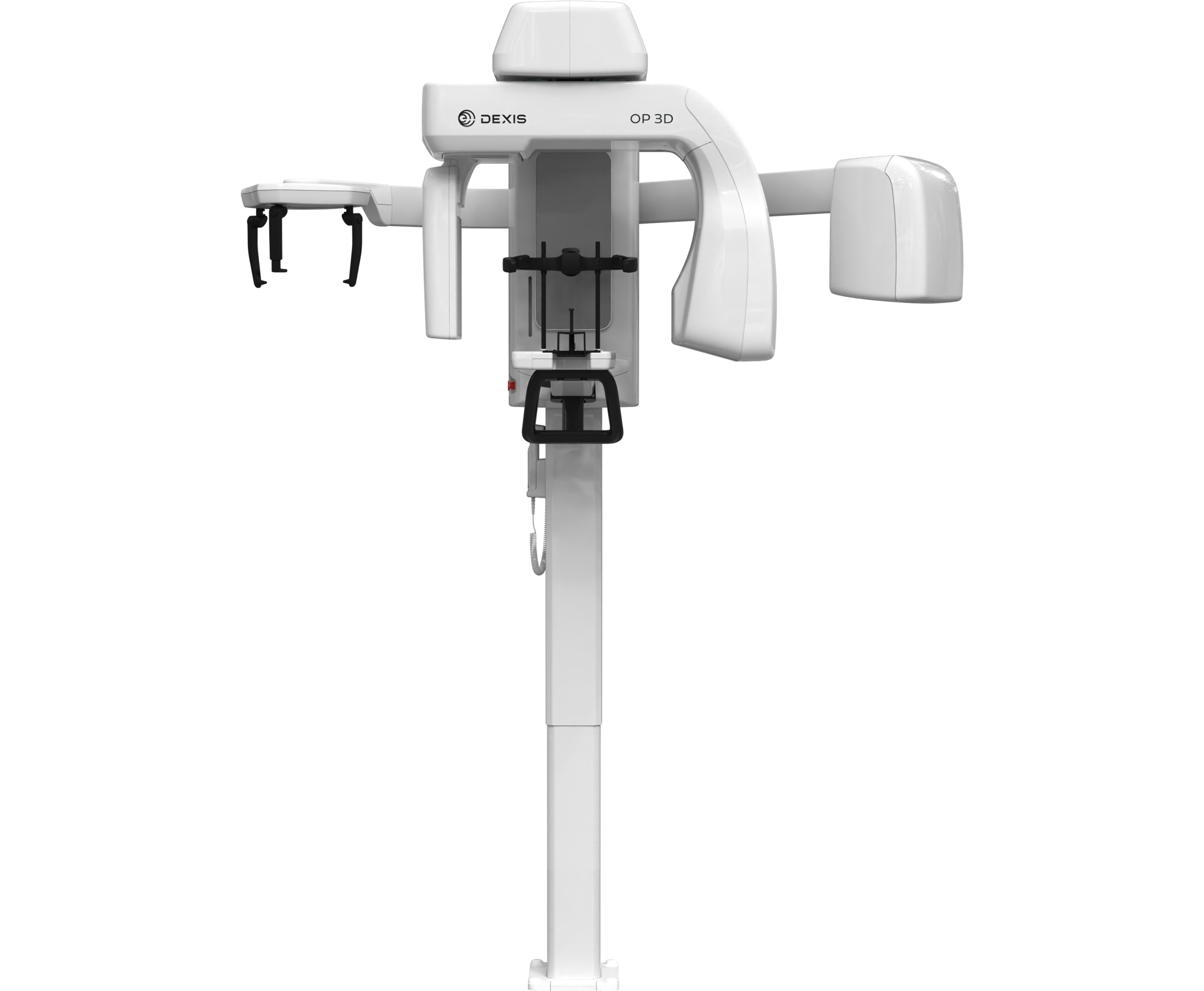
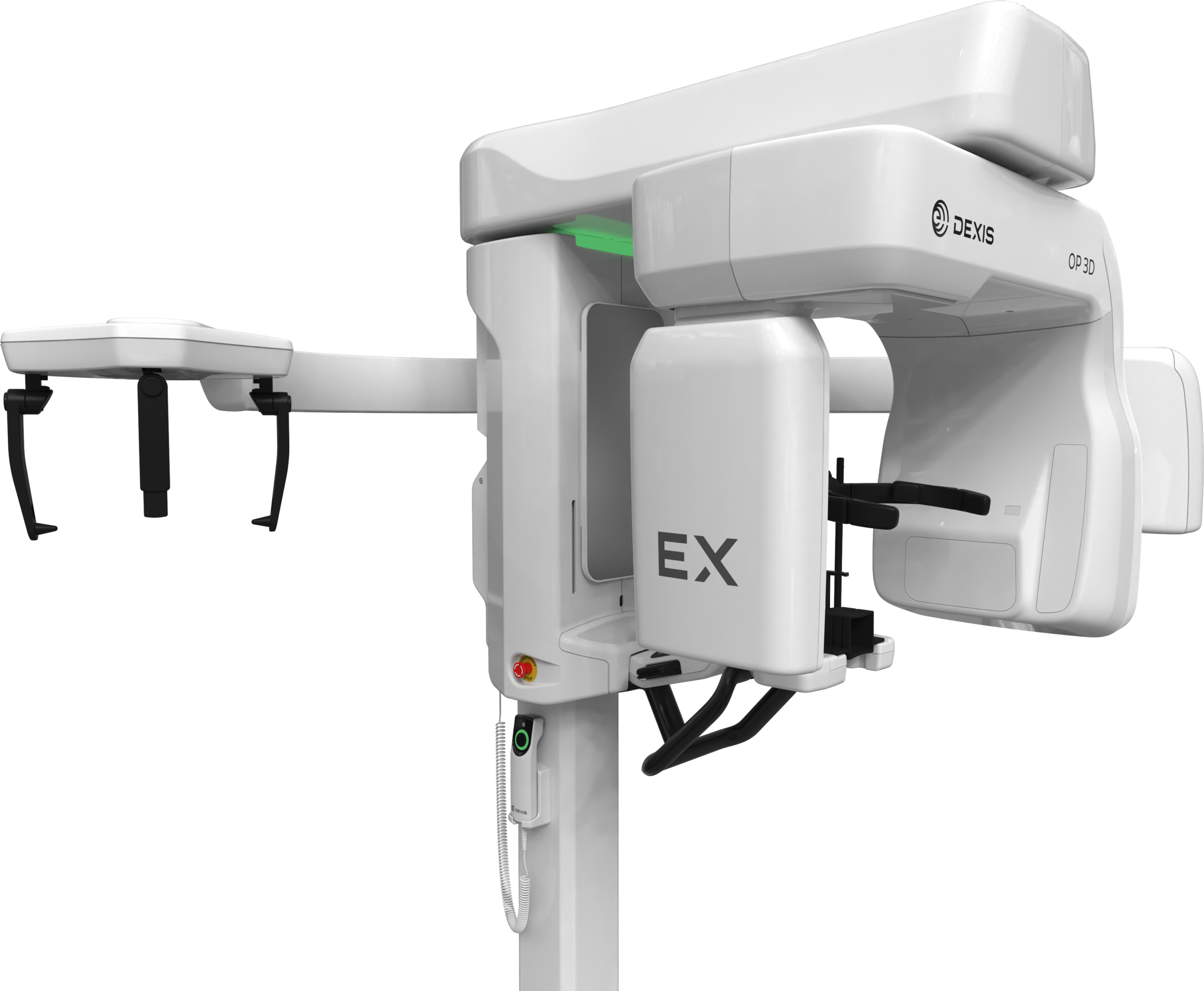
Stand-Out Features
Capture Fast, Accurate Images in 4 Easy Steps
Step 1
Step 2
Step 3
Step 4
Secure patient positioning and stabilisation
Choose your area of interest
Check the preview
Take your scan
A newly designed head support helps you quickly find the right patient position and helps your patient remain still during exposure.
A user-friendly interface helps you quickly analyse and visually choose your area of interest.
Use the optional scout to preview and modify the area of interest without having to reposition the patient or even open the viewing software.
The OP 3D EX has, on average, 30% faster overall scan times and 50% faster low dose scan times — making it simple and quick to capture an accurate 3D scan.
INTRODUCING YOUR IMAGING HOMEBASE
DTX Studio Clinic
Confidently create a diagnosis and plan your treatment using AI
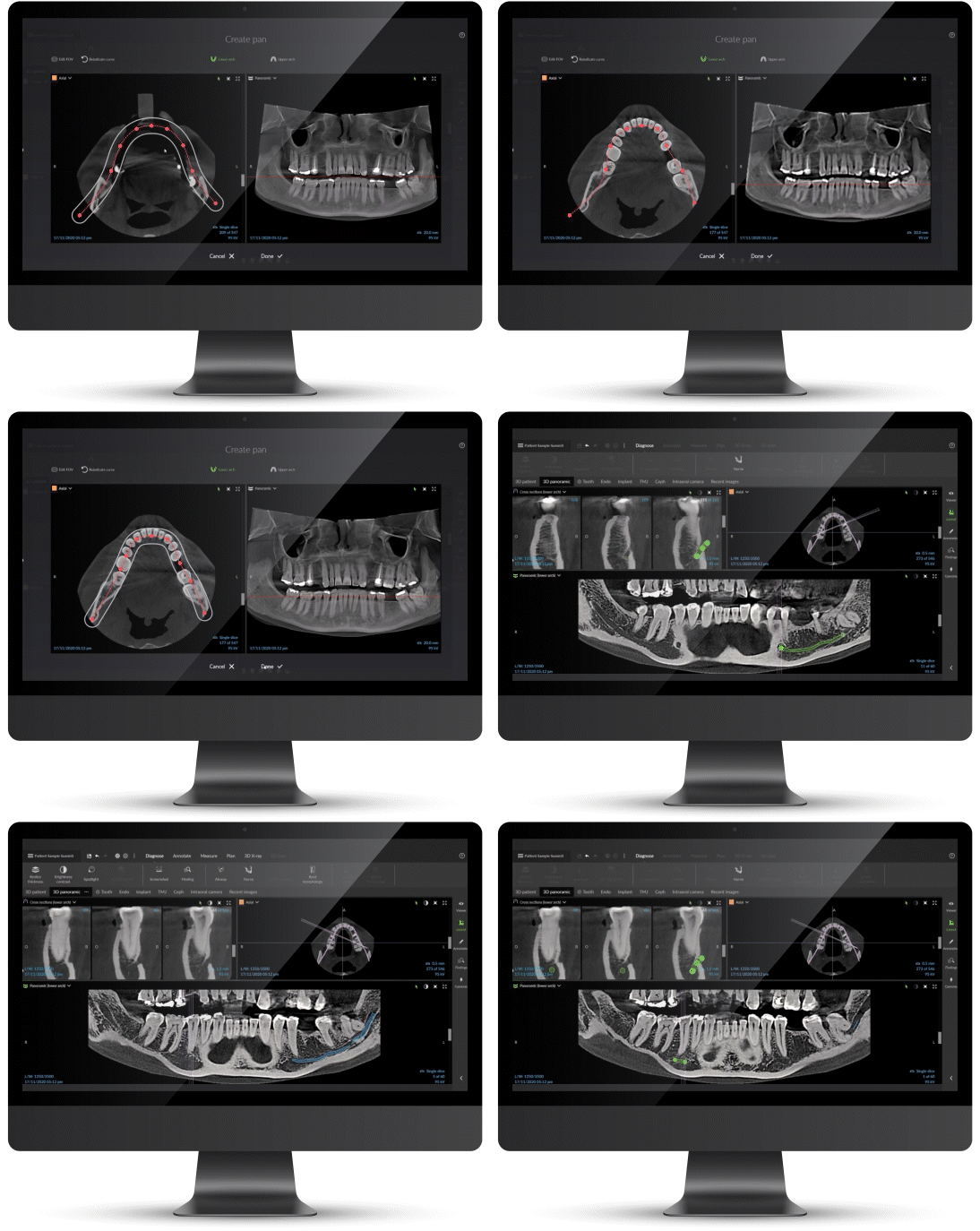
Packed with smart tools and advanced algorithms, DTX Studio™ Clinic is your image library, your diagnostic hub and your treatment planning navigator, effortlessly connecting each step of your digital workflow.
Once you’ve captured your 3D images, the software will automatically prep your scans, including: